Download
Get Lodestar everywhere you work
Lodestar runs in any browser. Install the desktop app for a window of its own, sign-in that uses your real browser, and updates that take care of themselves.
Desktop
Mac and Windows
A native window for Lodestar, with the app menu, deep links, and automatic updates. It signs you in through your default browser rather than an embedded webview, so your existing Google or Microsoft session just works.
Which Mac do I have?
Apple menu → About This Mac. If the Chip line says Apple M1, M2, M3 or M4, choose Apple Silicon. If it says an Intel processor, choose Intel.
- Signed and notarized for macOS
- Updates download and install themselves
- Opens lodestar:// links straight to the right place
- Sign in through your real browser — no embedded webview
Linux isn't supported yet. Lodestar runs in any modern browser in the meantime.
Mac and Windows
Updates download and install themselves
Web
Nothing to install
The full product runs in any modern browser, installs as a progressive web app if you want it in your dock, and is the same Lodestar the desktop app loads.
Open LodestarMobile
iOS and Android
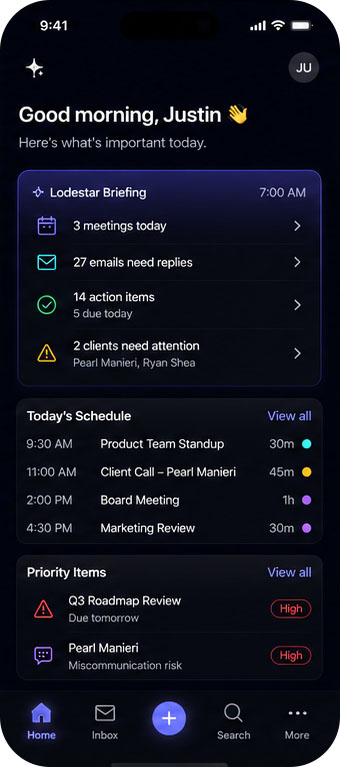
A mobile companion for talking to Lodestar: streaming chat, slash commands, dictation and full voice mode, with your workspaces and notifications. It's in internal testing — no public build yet.